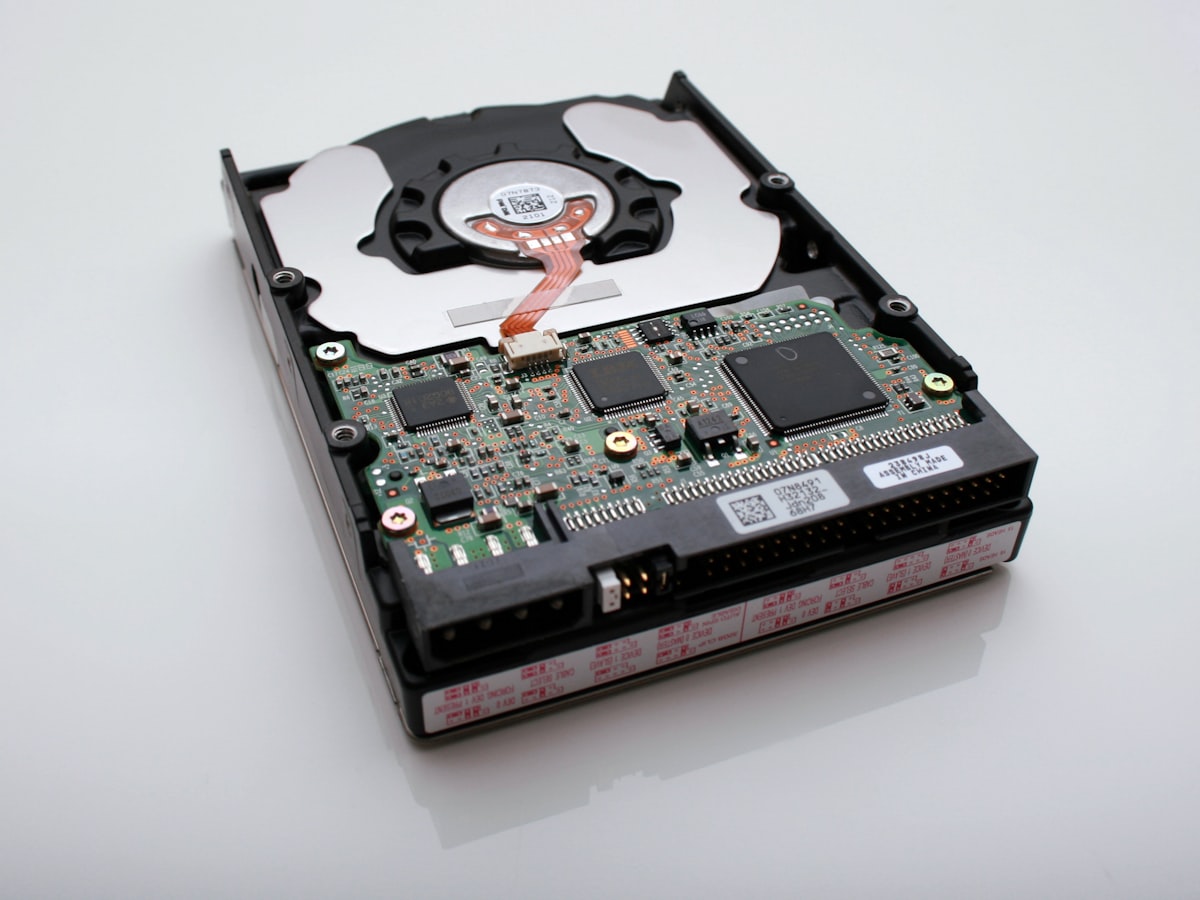
A drive that won’t show up, an accidentally deleted file, a corrupted partition — data loss comes in many forms. But in most cases, your data hasn’t truly disappeared; the system simply can’t locate it. Knowing the right approach can save you from irreversible loss.
1. Stop Writing Immediately
This is the golden rule of data recovery. Whether you’ve deleted a file or corrupted a partition, data remains recoverable as long as nothing overwrites it. The moment you notice data loss, stop using the drive — and don’t install any software on it.
2. Identify the Failure Type
Different problems require different solutions:
- Logical failure — accidental deletion, formatting, corrupted partition table → recoverable with software
- Firmware failure — drive detected by BIOS but showing wrong capacity or inaccessible → requires professional tools or manufacturer service
- Physical failure — clicking sounds, unrecognized drive, no power response → do not attempt to open it yourself; requires a professional clean-room environment
3. Recommended Recovery Tools
For logical data loss, these tools are worth trying: R-Studio (comprehensive, supports multiple file systems), DiskGenius (powerful partition recovery), TestDisk (free, open-source, focused on partition table repair). Always mount the affected drive as a secondary disk on another computer, and save recovered files to a separate, healthy drive.
One final reminder: Backup always beats recovery. Follow the 3-2-1 rule — 3 copies, on 2 different media, with 1 stored offsite.